
Why Naver Map can't find your place, and how to fix it
A place you saved in Google Maps often will not turn up in Naver Map or KakaoMap. The cause is usually the name, not the app.
Last checked 7 November 2026. Apps change, so check the steps against your own phone.
Maptinerary keeps the English and Korean names together, searches the right one in each app, and warns you when the map returns a different city. Free on iPhone during launch, Android coming soon.
Download on the App Store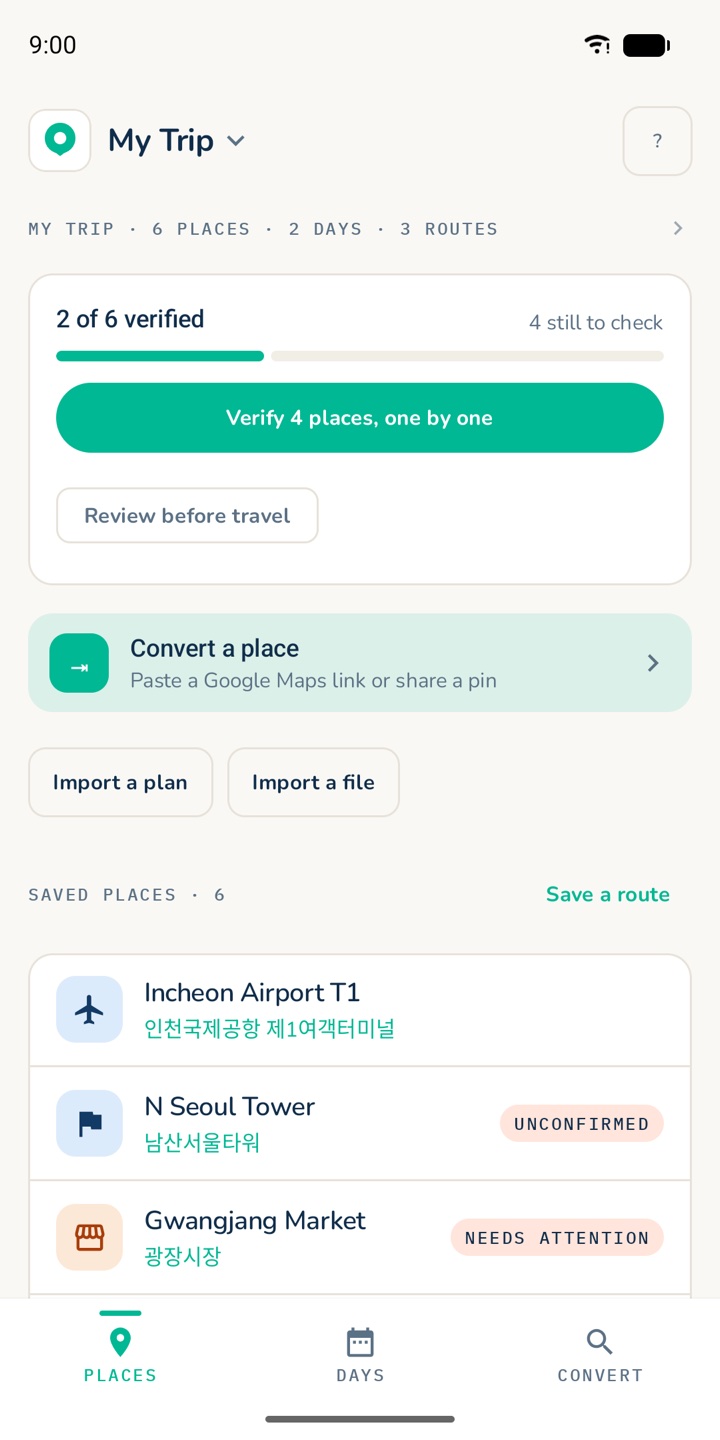
Why Naver does not find it
- English spellings of Korean names are inconsistent.
- Naver Map and KakaoMap search best in Korean.
- Several places can share one name, so a branch in another city may come up instead.
Four fixes
- Search the Korean name. Copy it from the place's own website, a booking confirmation, or Google Maps set to Korean.
- Add the district or city when there are several places with the same name.
- Search by name or by address, not both. Joining them can return an empty map.
- Check the pin against the photo, address and city before you set off.
If Naver still cannot find it, try KakaoMap. Each app has places the other misses.
Or let Maptinerary check it
Share the place from Google Maps, Naver or Kakao, or import a plan. Maptinerary keeps both names and marks the place unconfirmed until you confirm it. It warns you if the result is in a different city or has a clearly different name, then opens the place in the map you choose.
Already planned in Google Maps? See how to move Google Maps places to Naver Map.
Questions
Why can't Naver Map find a place from my Google Maps list?
English spellings of Korean names are inconsistent, and Naver Map searches best in Korean. Search the Korean name and add the district or city.
Should I search by name or by address?
One or the other. Joining them in a single search can return an empty map.
What if Naver Map still cannot find it?
Try KakaoMap. Each app has places the other misses.